
2021
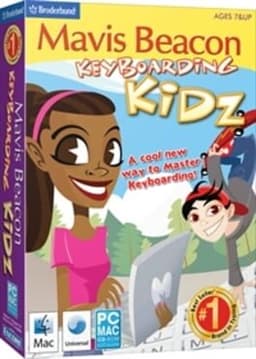
Mavis Beacon Keyboarding Kidz
Steam 75%
Session Respect Score
AI estimate · 0/5 votes
0.0/ 10
"A typing tutor disguised as educational games—perfect for quick 5-10 minute skill-building sessions between other activities."
Best session: 5-15 minutes
Minimum session
5 min
Pausability
Pause anytime
Resume friendliness
Easy to resume
FOMO pressure
Zero FOMO
Focus required
Chill
≡
Session structure
Missions & levels
Use this as a productivity break tool rather than a dedicated gaming session; the short, focused exercises fit naturally into a busy schedule.
Where to play






About
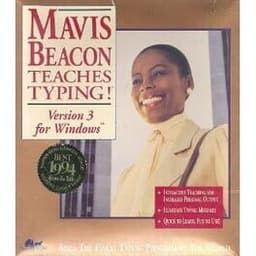
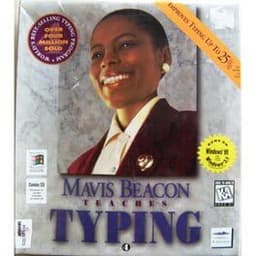
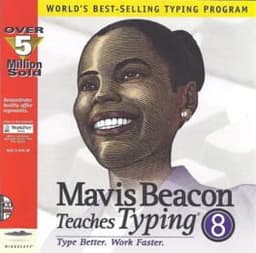
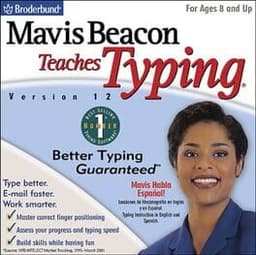
Mavis Beacon teaches kids to type... again.
Educational
Media
Community Tips
Be the first to leave a tip!
Sign in to add a tip
Community Session Data
No sessions logged yet —
Context Tags
No sound needed? One-handed? Good for commutes? Players vote.
🔇No sound OK
🤚One-handed
🎵Background game
🚇Commute friendly
✈️Plane friendly
💤Suspend & resume
⚡Quick to boot
☁️Cloud save
👶Kid can watch
🛋️Couch co-op
🎤No voice chat needed
🌙Solo after bedtime
🎙️Podcast game
🧘Zen mode
🥱Brain off
🔁Satisfying grind
🧒Kid co-op
Sign in to vote on tags
Platform Notes
Does it actually work well on your platform? Community tested.
Mavis Beacon Keyboarding Kidz — Session FAQ
- How long does a session of Mavis Beacon Keyboarding Kidz take?
- The minimum meaningful session for Mavis Beacon Keyboarding Kidz is approximately 5 minutes. This is the shortest play window where you can make real progress or have a satisfying experience, based on community data.
- Can you pause Mavis Beacon Keyboarding Kidz?
- Yes — Mavis Beacon Keyboarding Kidz supports instant pause. You can stop at any moment without penalty, making it ideal for sessions that might be interrupted.
- Does Mavis Beacon Keyboarding Kidz pressure you to keep playing?
- Mavis Beacon Keyboarding Kidz has no FOMO mechanics — no timed events, live content, or narrative cliffhangers. You can stop whenever you want without feeling like you're missing out.
- What is Mavis Beacon Keyboarding Kidz's Session Respect Score?
- Mavis Beacon Keyboarding Kidz has a Session Respect Score of 9.5/10. This score combines minimum session length, pausability, FOMO level, and pickup friendliness into a single metric for how well the game fits busy schedules.